
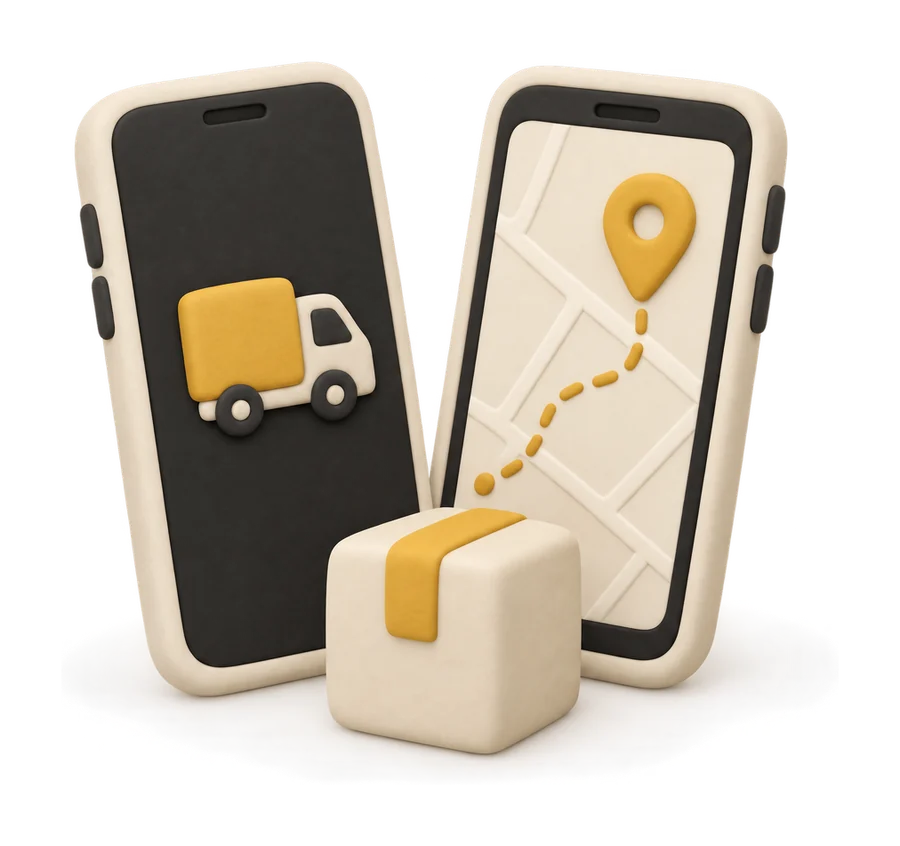
 Step 1
Set pickup and drop
Search an address or drop a pin on the map for both ends. Add the sender and receiver names and phone numbers.
- Saved addresses for places you ship from often
- Pick now or choose a date and time slot
 Step 2
Tell us what you are sending
Choose the parcel type: box, envelope, bag or drum. Add the goods category, value and photos if you want a clear record.
- E-way bill number for goods that need one
- Up to three photos of the goods
 Step 3
Choose a vehicle and see the fare
Every vehicle class shows its fare for your trip. Add helpers if needed, apply a promo code, and add your GSTIN for a business invoice.
- Pay now by UPI or card
- Or To-Pay, where the receiver pays at delivery
 Step 4
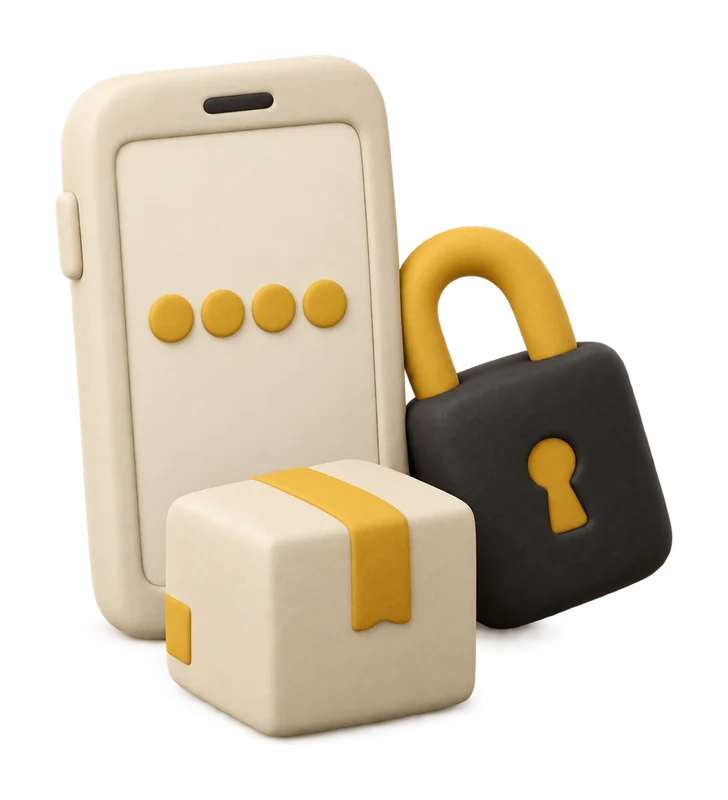
Hand over with your pickup OTP
A nearby driver is matched to your booking. When they arrive, share the pickup OTP and the goods are on their way.
- See the driver and vehicle before pickup
- Chat with the driver inside the trip
 Step 5
Track it live
Follow the trip on the map. The receiver gets a tracking link and their delivery OTP by SMS or WhatsApp.
- Anyone with the LR number can track on bookroket.com
- Updates at every stage of the trip
 Step 6
Delivered, with proof
The receiver shares the delivery OTP and the driver records the handover. Your GST invoice is ready in the booking.
- Receiver name and proof of delivery recorded
- Get help from the booking if anything is wrong